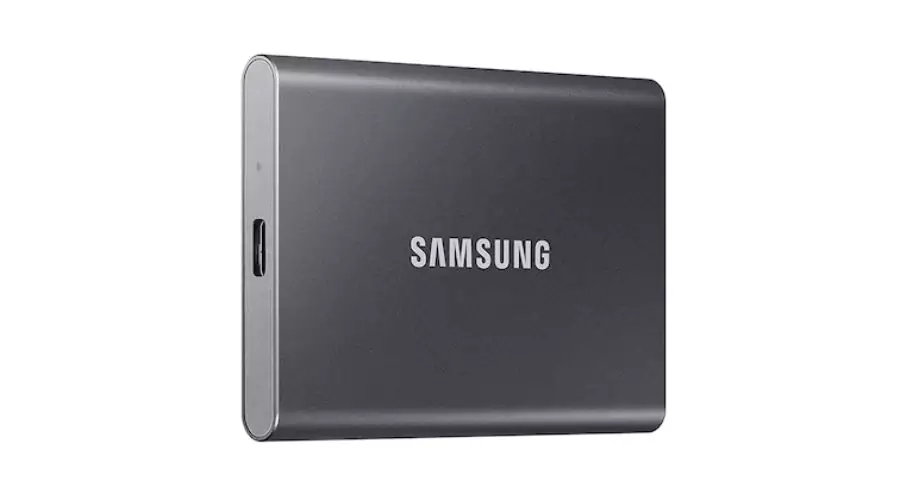
SSD, short for Solid State Drive, has transformed the conventional technology of HDDs. Instead of relying on spinning disks and magnetic storage, they use NAND-based flash memory. This technological difference provides numerous advantages including faster data access times, lower energy consumption levels and increased durability. In this blog, Findwyse will talk about how these SSD hard drives work and even pick out some of the best SSD hard drives that you can consider to update your PC.
How Do SSD Hard Drives Work?
The main component of the SSD hard drive is made up mostly of NAND flash memory, which serves as a storage medium that can retain data even without power. The flash memory comprises individual cells that accumulate information through electrical charges. These cells are constructed with floating gate transistors and rely on electric charges to assign binary values – either present or absent.
Subsequently, the SSD controller distributes electrical impulses across its memory cells to retrieve stored data. In contrast to conventional HDDs that rely on mechanical elements like spinning disks and mobile read/write heads, SSDs reign supreme in terms of speed and durability as they do without these parts. Furthermore, due to their absence of moving components within their framework, they exhibit increased resistance against jolts and vibrations than ever before.
When producing an SSD, multiple NAND flash memory chips are carefully placed onto a circuit board while being monitored by a controller responsible for managing data storage, retrieval and system operation. The partitioning of NAND flash memories into pages and blocks enables information to be read or written on each page individually as well as erased.

How Do You Know If You Need an SSD for Your PC?
If you find that your device runs slowly or takes a long time to start up, changing over to an SSD could greatly enhance its efficiency. For tasks such as processing large files regularly and requiring quick access techniques, using an SSD in laptops can result in better output times and improved overall functionality.
Furthermore, if multiple operations need to be carried out at the same time – for example, video editing or graphics design work – incorporating an SSD will enable smoother handling of these demands while providing optimal results across all areas. You can even upgrade to SSD hard drive external for better performance. Finally upgrading from traditional drives will significantly reduce computer response/startup times instantly after installation.
By choosing SSD hard drives, you can elevate your laptop usage in various aspects. These drives consume less energy than traditional hard drives, making them an ideal choice for a device that promotes noiselessness while conserving power. Further, if you frequently take your laptop on the go or encounter sudden impact during use – whatever it may be solid-state devices are undoubtedly the way to go as they possess greater shock resistance without any mechanical elements which ultimately leads to superior longevity of usage.
Best SSD Hard Drives For You
1. 980 NVMe™ M.2 SSD 1TB
Boasting an NVMe interface and PCIe 3.0 technology, it delivers remarkable speeds up to 3,500/3,000 MB/s—over 6.2x faster than SATA SSDs. Activate Full Power Mode through Samsung Magician software for nonstop, high performance. With up to 600 TBW and a 5-year warranty, the 980 ensures enduring reliability, backed by Samsung’s cutting-edge controller, V-NAND, and firmware solutions.
2. 990 PRO with Heatsink PCIe 4.0 M.2
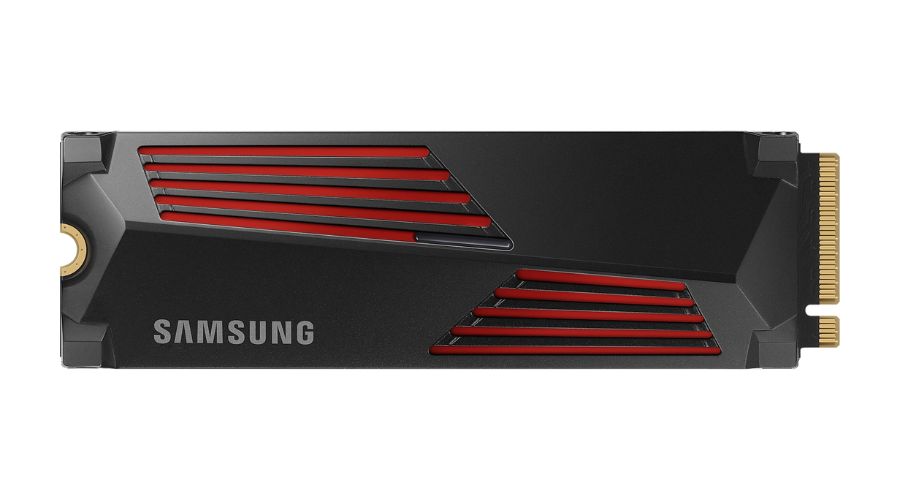
The 870 EVO SATA 2.5” SSD 4TB stands as a powerhouse in storage solutions, leveraging PCIe 4.0 speed to deliver an impressive performance boost. With random read/write speeds up to 1400K/1550K IOPS and sequential read/write speeds reaching 7450/6900 MB/s, it outpaces its predecessor, the 980 PRO, by 40% to 55%. Remarkably, this enhanced performance comes with improved power efficiency, showcasing over 50% better performance per watt than the previous model. The smart thermal solution, featuring a slim heatsink, ensures stable heat control, preventing performance drops due to overheating. Compatible with various platforms, from PlayStation® 5 to desktops and laptops meeting the PCI-SIG® D8 standard, this SSD is a game-changer for gaming, video editing, data analysis, and more.
3. 870 EVO SATA 2.5” SSD 4TB
The 870 EVO SATA 2.5” SSD 4TB stands as the latest triumph in Samsung’s revered SSD lineage, solidifying its status as literally the world’s favourite SSD. With a commendable achievement of 560/530 MB/s sequential speeds, the 870 EVO ensures professional-level SSD performance for content creators, IT professionals, and everyday users alike. Intelligent TurboWrite augments write speeds, maintaining sustained high performance through a generously sized variable buffer. Boasting an impressive 2,400 TBW under a 5-year limited warranty, the 870 EVO sets industry standards for reliability, effortlessly handling diverse tasks from everyday computing to the rigorous demands of 8K video processing. Equipped with the latest 6th Gen. VNAND and MKX controller, it guarantees a stable host experience, making it an unrivalled choice for those seeking top-tier SSD performance and durability.

Also read – Samsung Galaxy Unpacked 2024: Launching The Future Of Mobile AI
Conclusion
SSD Hard drives are a great way to expand your PC’s storage so it works more efficiently and can handle heavy-duty tasks such as designing and gaming. You still need to get the best SSD hard drives so it does not cause too much heating on the operation and runs smoothly. Check out Findwyse’s top picks for SSD hard drives on Samsung and get your devices running efficiently for the long run.