Close Menu
    What's Hot
    BODi nutrition programs | Findwyse
    Health

    Best BODi Nutrition Programs for Building Sustainable Healthy Habits

    best BODi products | Findwyse
    Health

    Best BODi Products Worth Trying in 2026: Memberships, Supplements, and Fitness Programs

    Shakeology benefits | Findwyse
    Health

    BODi Shakeology Explained: Benefits, Flavors, and How It Fits Into a Healthy Lifestyle

    Facebook X (Twitter) Instagram
    Findwyse
    • Home
    • Home decor & improvement
    • Travel
    • Kitchen Appliances
    • Software
    • Electronics
    Facebook X (Twitter) Instagram Pinterest
    Findwyse
    Home - Back Market - Laptop Docking station: A Hassle-Free Way To Connect Your Laptop
    Laptop Docking station
    Laptop Docking station | findwyse
    Back Market

    Laptop Docking station: A Hassle-Free Way To Connect Your Laptop

    Share
    Facebook Twitter LinkedIn Pinterest Email

    Also known as the universal port replicator, a laptop docking station is a device that allows you to get the experience of using a desktop computer by connecting it with other portable devices easily. You can be hassle-free and connect your laptop to a monitor, and other network connections, and do so much more. If you want to buy one, here is a guide on some of the best laptop docking stations and their pros and cons.


    Some popular Laptop Docking station

    We have created a list for you to guide you through some of the best and most popular laptop docking stations:

    1. Dell-WD19TBS Docking Station
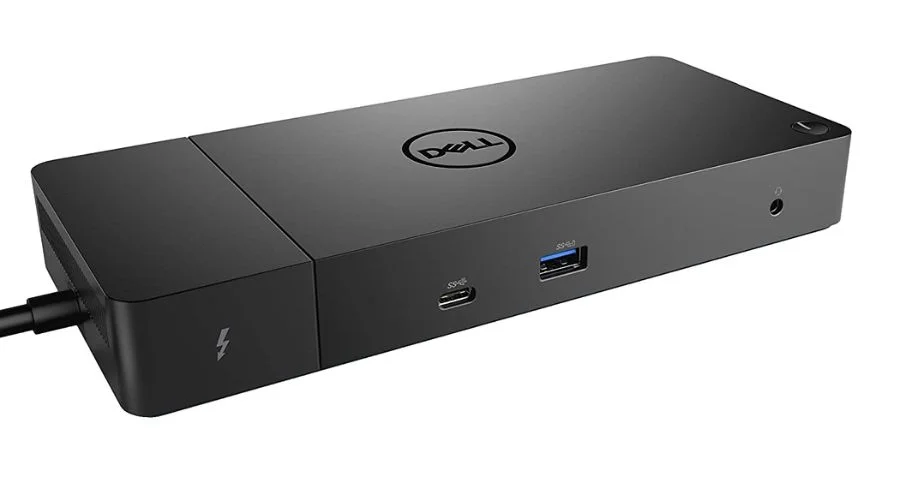
    Dell-WD19TBS Docking Station
    Dell-WD19TBS Docking Station | findwyse


    It is Dell compatible with all commercial laptops and HP, and Lenovo notebooks which support Thunderbolt docking which makes the delivery of power, data, audio, and video easier. It has a total of 11 USB ports. It provides support for up to three displays, which include one 5K and two 4K monitors.

    2. Acer USB Type-C Dock II Docking Station
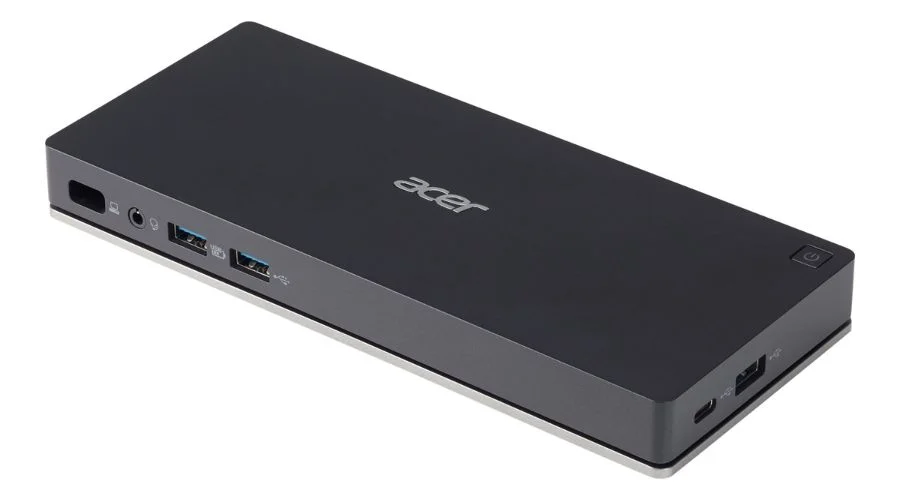
    Acer USB Type-C Dock II Docking Station
    Acer USB Type-C Dock II Docking Station | findwyse

    Acer dock is the perfect mix of productivity and convenience. It is compatible with Acer Laptops and has a total of 4 USB ports including a USB Type-C. It provides support for up to three displays of 4K monitors along with other USB devices and peripherals.

    3. Docking Station Lenovo ThinkPad Pro
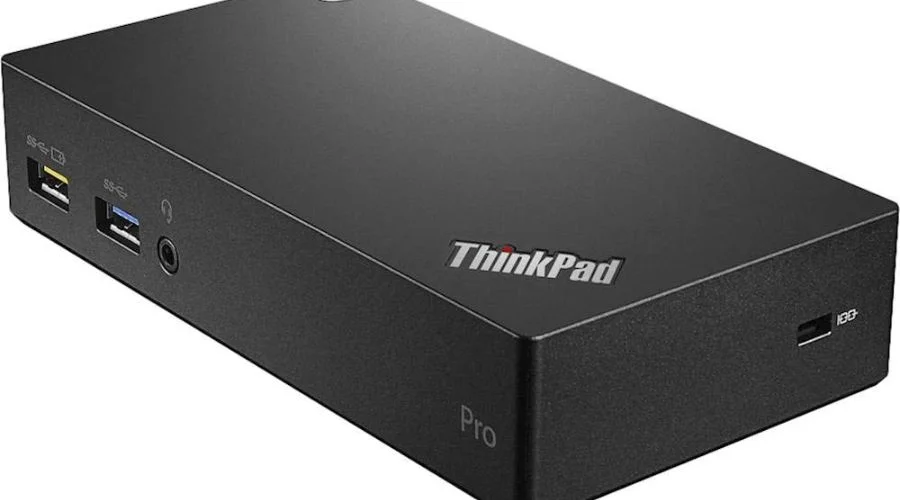
    Docking Station Lenovo ThinkPad Pro
    Docking Station Lenovo ThinkPad Pro | findwyse

    This dock is compatible with P52s, L580, L480, T580, P580p, T480s, T480, X1 Carbon Gen 6, X280 models only. It is designed for environments of large enterprises.

    4. Startech DKT30CSDHPD3 Docking Station
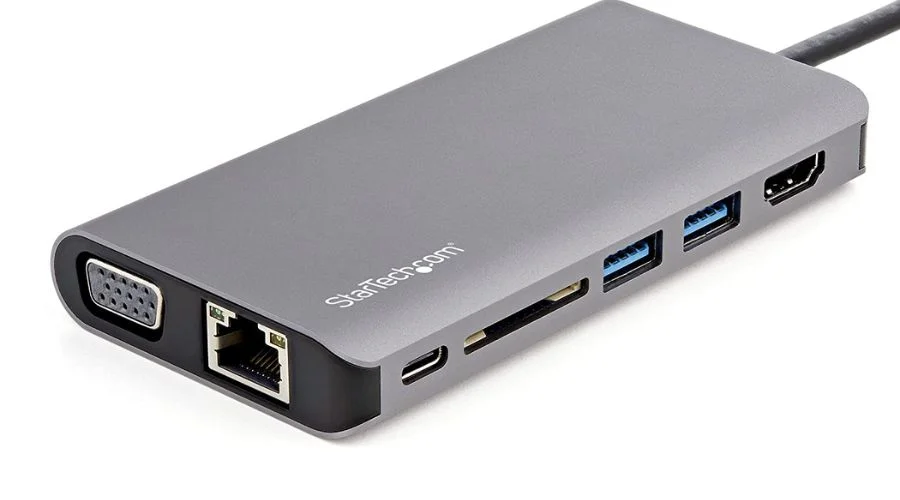
    Startech DKT30CSDHPD3 Docking Station
    Startech DKT30CSDHPD3 Docking Station | findwyse

    This USB-C multiport adapter with HDMI can turn a MacBook Pro, Dell XPS, and other USB-C laptops into a workstation. It helps in connecting your laptop to a 4K HDMI monitor. This dock station has a total of 3 USB ports.

    5. HP UltraSlim Dock 2013 Docking Station
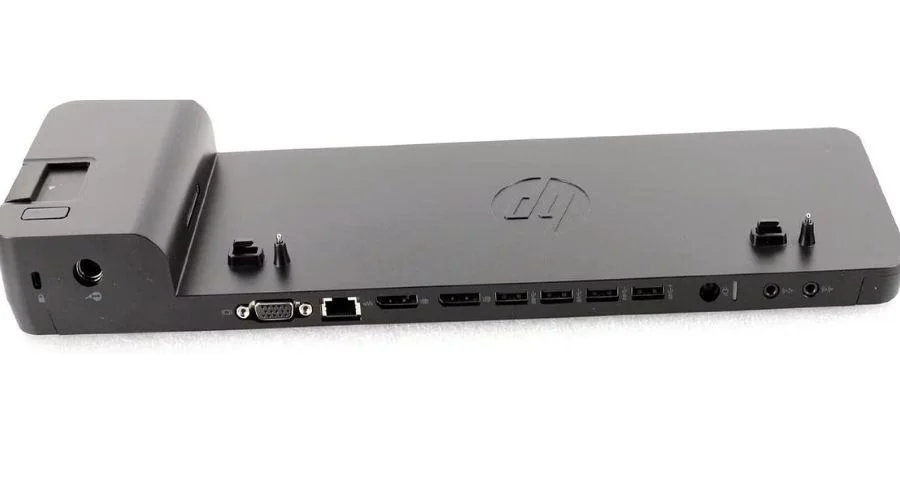
    HP UltraSlim Dock 2013 Docking Station
    HP UltraSlim Dock 2013 Docking Station | findwyse

    This station features a simple one-click slide-in side dock which allows you to expand your device’s display, network, and connectivity. This dock station has a total of 4 USB ports. HP UltraSlim docking station can also charge your laptop. It has been designed for the ultraslim HP EliteBook Notebook PCs.

    6. Rosewill RHUB-22001 Docking Station
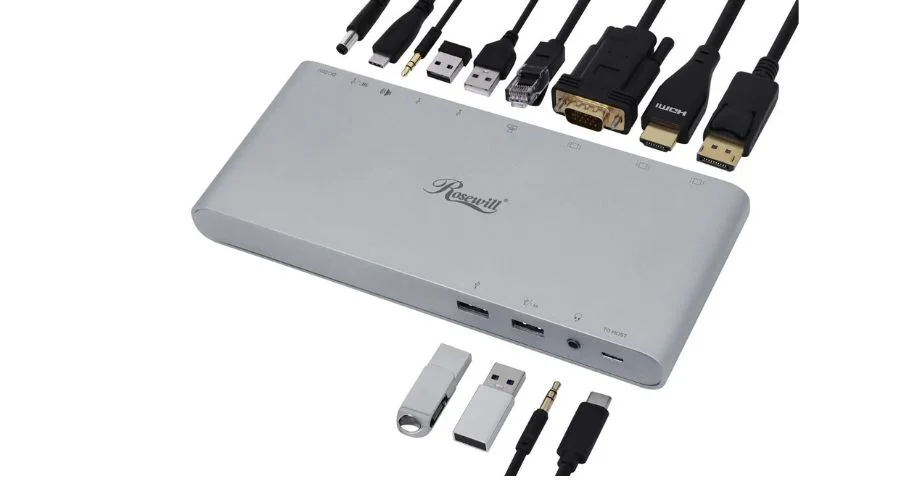
    Rosewill RHUB-22001 Docking Station
    Rosewill RHUB-22001 Docking Station | findwyse

    It is mostly bought for its fast charging, fast shipping, and A1 customer service. It has a total of 7-12 USB ports and a triple-display MST (Multi-Stream Transport).


    Pros and Cons of a Laptop Docking station

    A laptop docking station has many benefits such as:

    1. Clutter-free workspace:

    Since a laptop docking station lets you connect through other devices, the wires/network cables won’t clutter your workspace anymore and it will allow you more room to work with the clarity that comes with a cleaner space.

    Using a laptop docking station lets you connect or disconnect from other devices quickly.

    2. Portable:

    If you are someone who needs a laptop for work, both at home and when you are going out, then a laptop docking station will prove to be really helpful for you by increasing mobility. You can use this portable device anywhere, it cuts out on the requirement of other devices.

    3. Gaming:

    If you are a gamer and want to buy a gaming monitor, then you can go for buying a laptop docking station which will allow you to connect it directly to your laptop or a PC. This will not affect your system’s performance. They will not have to unplug or re-plug each time they want to play games via Steam or Origin.

    Like any other technology gadget, this also has quite a few drawbacks such as:

    It is not compatible with all laptops. Therefore you need to check for compatibility before buying one.

    There is also a lack of flexibility in some models.

    Computer docks consume more power than other parts of it.


    Conclusion

    Thus we can see how a device that small can be so highly capable in its powers. A laptop docking station has the ability to improve productivity and accessibility in your life. They come in various different sizes, ports, and functionality. You should definitely buy them, especially if you are an employer, for this is something that will make your employee’s work more productive. To buy a laptop docking station, Findwyse recommends you go to Backmarket’s official website

    FAQ’s

    What does a docking station laptop exactly do?
    A docking station for a laptop provides a desktop experience to the user without him having to pay extra money for a larger computer.
    Is it better to use a docking station for a laptop?
    Yes, it is better to use a docking station for your laptop if you are looking for extra connectivity and functionality or if you want additional features such as customization of your mouse, keyboard, and even the monitor.
    Do docking stations work with all laptops?
    No, docking stations don’t work with all laptops. You need to purchase the same brand’s docking station as the laptop for it to work. For example, with an HP laptop you will need an HP laptop docking station. Similarly, for a Dell laptop you will need a Dell laptop docking station and so on.

    Share. Facebook Twitter Pinterest LinkedIn

    Related Posts

    portable power bank
    Power Banks

    Pro Tips On How You Can Maximize The Use Of Portable Power Banks

    Power Banks
    apple airpods 4
    Headphones

    Let’s Talk Apple AirPods 4 – The Complete Scoop On Apple’s Latest Ear Candy

    Headphones
    apple airpods max
    Headphones

    Apple AirPods Max– Get Yourself One of Apple’s Best And Premium Headphones

    Headphones
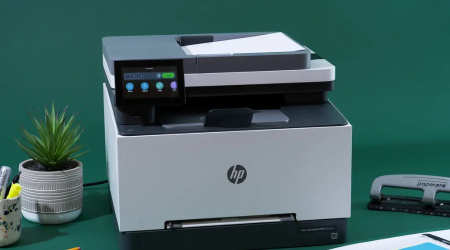
    colour laser printers
    Printers

    Explore The Range Of The Best Colour Laser Printers For Home Use And Offices

    Printers
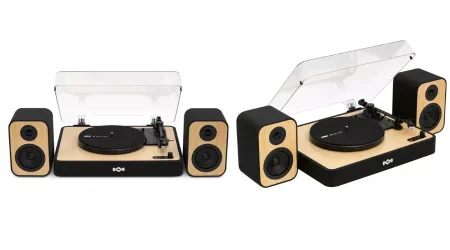
    Turntable With Speakers
    Gadgets

    Best Turntable With Speakers For All The Modern Music Lovers Out There!

    Gadgets
    Google Pixel Buds Pro 2
    Gadgets

    Google Pixel Buds Pro 2: A Sound Investment For Epic Music Listening

    Gadgets

    Comments are closed.

    Advertisement
    Skylum
    Aperty
    Mac Duggal
    Skylum
    AliExpress WW
    GADGETS
    portable power bank
    Power Banks

    Pro Tips On How You Can Maximize The Use Of Portable Power Banks

    Power banks are sensitive accessories when you don’t use them right they are likely to…

    apple airpods 4
    Headphones

    Let’s Talk Apple AirPods 4 – The Complete Scoop On Apple’s Latest Ear Candy

    apple airpods max
    Headphones

    Apple AirPods Max– Get Yourself One of Apple’s Best And Premium Headphones

    colour laser printers
    Printers

    Explore The Range Of The Best Colour Laser Printers For Home Use And Offices

    Stay In Touch
    • Facebook
    • Twitter
    • Pinterest
    • Instagram
    About Us
    About Us

    Findwyse seek to explore the realms of technology with openness, truth, humour, and brutal honesty, from reviews of the latest phones, TVs, laptops, programmes, and deals for the users to the latest news concerning privacy, technology, and latest innovations and gadgets of the world. Basically, you can say that at Findwyse, we live, breathe, and think only technology.

    Email Us: [email protected]

    Our Picks
    canva courses
    Software

    From Beginner To Pro: Canva Courses For Every Level Of Experience

    excel formulas
    Software

    Mastering Excel Formulas: From Basic Functions To Advanced Techniques 

    Photography template
    Software

    Squarespace Photo Templates: Unlocking Professionalism and Creativity

    Quick Links
    • About Us
    • Contact Us
    • Disclaimer
    • Terms & Conditions
    Facebook X (Twitter) Instagram Pinterest
    • Privacy Policy
    • Affiliate Disclosure Policy
    • Cookie Policy
    • Sitemap
    © 2026 Findwyse. All rights reserved.

    Type above and press Enter to search. Press Esc to cancel.

    Table of Contents

    ×
    • Some popular Laptop Docking station
      • 1. Dell-WD19TBS Docking Station
      • 2. Acer USB Type-C Dock II Docking Station
      • 3. Docking Station Lenovo ThinkPad Pro
      • 4. Startech DKT30CSDHPD3 Docking Station
      • 5. HP UltraSlim Dock 2013 Docking Station
      • 6. Rosewill RHUB-22001 Docking Station
    • Pros and Cons of a Laptop Docking station
        • 1. Clutter-free workspace:
        • 2. Portable:
        • 3. Gaming:
    • Conclusion
    • FAQ’s
    → Table of Contents