Printers in this day and age are a necessity – for household use, running a business, office use or academic purposes. It is important to invest in a good printer instead of running around with rush orders for printouts. We know these devices aren’t exactly on the cheaper side of technology, so our team here at Findwyse researches and analyses the latest technologies so you don’t have to! There is a review guide to the HP Envy 5640 so you know if it is suited to your needs or not, giving clarity to what to and what not to buy. The Envy 5640 is HP’S latest inkjet multifunction peripheral (MFP) that can print, scan and copy, but not provide the function to send and receive faxes.
What is the basic design of the Envy 5640?
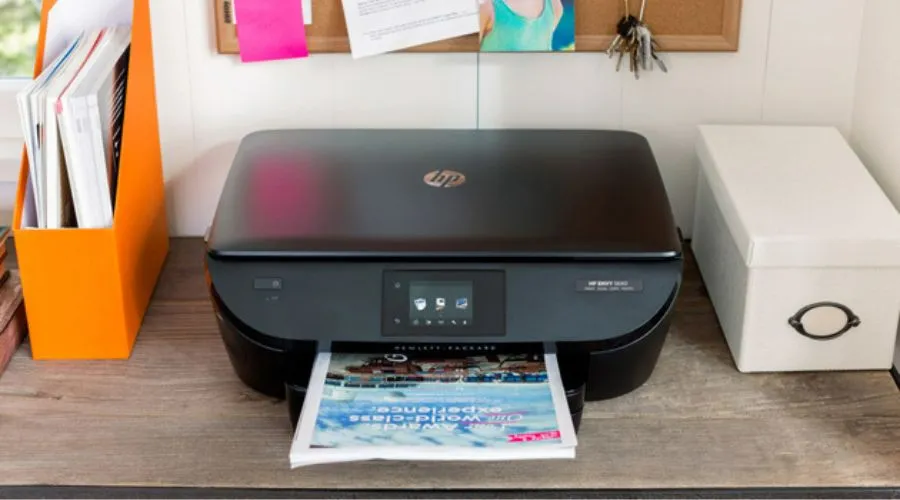
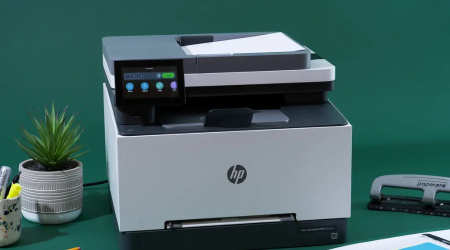
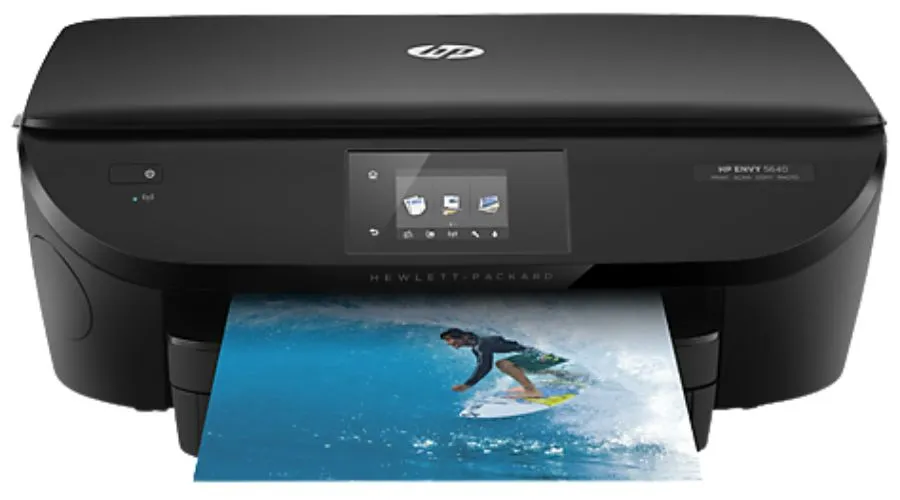
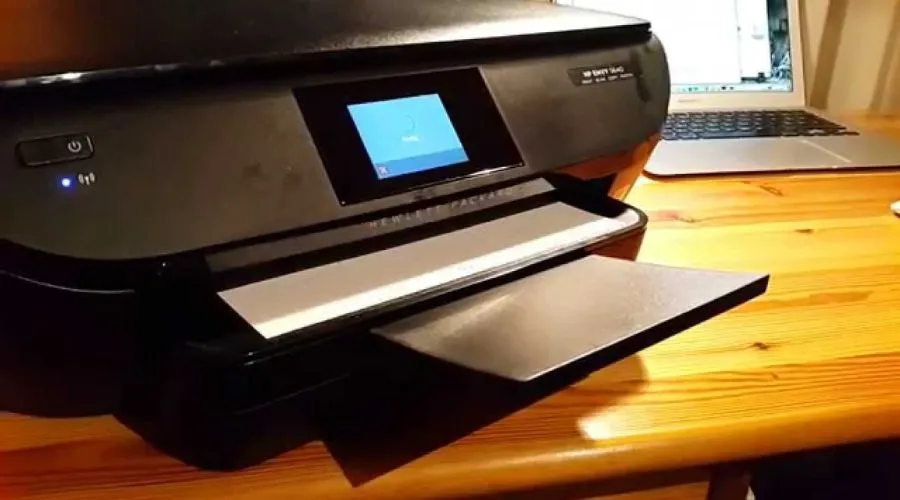
This model is as good looking as the other Envy models, featuring a curved front with very little clutter – other than the power button, the printer is controlled totally by the medium-sized colour touchscreen that has the most efficient control pad that requires minimal effort. The SD memory card port is a storage section located behind a neat revolving door, while the paper supply is cleverly tidied away in two fully enclosed trays, making sure your paper is always crisp and clean – one for A4 and one for 6×4″ photos. Photo paper can be selected automatically when you need it and the paper output tray automatically glides out when you give the print command.
HP Envy 5640 Specs
| S.No |
Specification |
Details |
| 1 | Hardware | |
| 2 | Technology | Thermal inkjet |
| 3 | Maximum print resolution | 4,800×1,200dpi |
| 4 | Maximum optical scan resolution (output bit depth) | 1,200×1,200dpi (24-bit) |
| 5 | Number of colours (cartridges) | 4 (2) |
| 6 | Maximum number of colours (cartridges) | 4 (2) |
| 7 | Quoted photo durability (source) | 50+ years (HP) |
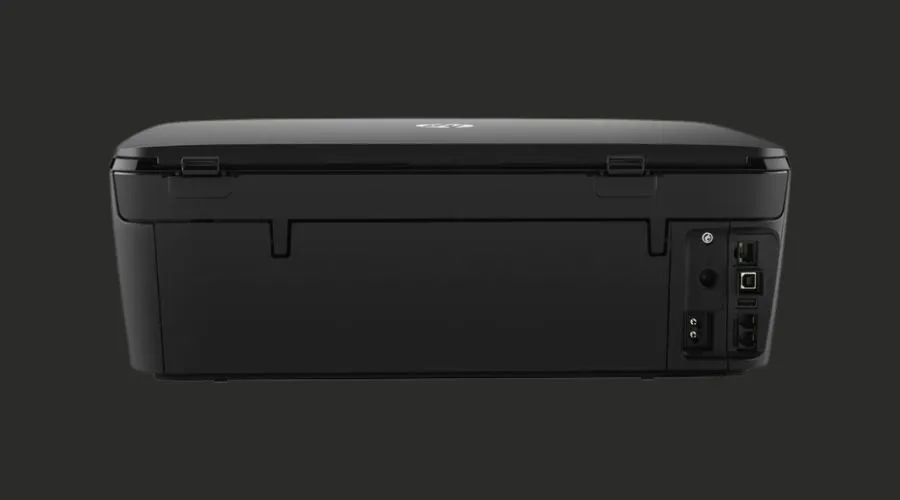
| 8 | Standard interfaces | USB, 802.11b/g/n wireless |
| 9 | Optional interfaces | None |
| 10 | Dimensions (HxWxD) | 161x454x410mm |
| 11 | Weight | 6.8kg |
| 12 | Duty cycle (pages per month) | 1,000 (maximum), 300-400 (recommended) pages per month |
| 13 | Maximum paper size | A4/legal |
| 14 | Maximum paper weight | 250gsm |
| 15 | Standard paper trays (capacity) | 2 (125 + 15) |
| 16 | Maximum paper trays (capacity) | 2 (125 + 15) |
| 17 | Duplex | Yes |
| 18 | 35 | N/A |
| 19 | Photo features | NIL |
| 20 | Borderless printing | Yes, A4 |
| 21 | Direct (PC-less) printing | Wi-Fi Direct, memory card |
| 22 | Memory card support | SDXC |
| 23 | Supported operating systems | Windows Vista or later, Mac OS X 10.7 or later, Android, iOS, BlackBerry, Windows RT |
| 24 | Other features | 6.7cm colour touchscreen |
| 25 | Warranty | One-year RTB |
| 26 | Price | £90 inc VAT |
| 27 | Consumable parts and prices | HP 62XL black cartridge (600 pages ISO/IEC 24712) £20, HP 62XL colour cartridge (415 pages ISO/IEC 24712) £22 |
| 28 | Quoted life of supplied black cartridge(s) | 200 pages (ISO/IEC 24712) |
| 29 | Quoted life of supplied colour cartridge(s) | 165 pages (ISO/IEC 24712) |
| 30 | Cost per ISO/IEC 24712 A4 page inc VAT | 8.6p |
| 31 | Cost per ISO/IEC 24712 A4 page inc VAT (colour part) | 5.3p |
| 32 | Cost per ISO/IEC 24712 A4 page inc VAT (mono part) | 3.3p |
| 33 | Supplier | www.morecomputers.com |
| 34 | Details | www.hp.co.uk |
Analysis of Pros and Cons of the HP Envy 5640
| PROS | CONS |
| Automatic duplexer (for two-sided printing) | No Ethernet connectivity. |
| Integrates Wi-Fi and Wi-Fi Direct. | No Fax capability. |
| Supports cloud printing. |
Features of the Envy 5640
1. Wireless performance
The model lets you print lab-quality photos and laser quality text on the go – wirelessly, right from your smartphones and tablets. The wireless performance is dependent on the physical environment and distance from the access point. The printer’s wireless operations are compatible with 2.4 GHz routers only. While it does make printing easier by eliminating the wire hassle, there are a few things that need to be kept in mind. Local printing requires the mobile device and printer to be on the same wireless network or have a direct wireless connection with each other.
2. Mobile device connectivity
Pairing with a mobile device requires wireless a compatible access point as well as an internet connection. The printer is compatible with most of the Apple generations and Android 4.03 or later. Most of the print features can be controlled by mobile device operating systems. Scanning/copy control requires the mobile device and printer to be on the same wireless network or through wireless direct connection to the printer. For scanning, the device camera requires 5 mega pixels or greater with autofocus capability.
3. Touchscreen
You can manage jobs directly at the MFP, using the HP colour touchscreen that holds the array of icons for all functions that the printer provides. It has clear touch buttons for everything – print, scan, copy, settings, etc. that give you clear instructions on how to proceed further for whichever service you require.
Other HP Envy 5640 features:
- Borderless, lab-quality photos that dazzle, and sharp documents with laser-quality text.
- Print more for less cost with Original HP high-yield ink cartridges that are full of value.
- Print easily from your smartphone, tablet, and notebook at work, home, or on the go.
- Can print on both sides of the page, cutting your paper use by up to 50%.
- Access to colouring pages, recipes, coupons, crossword puzzles, and more from trusted brands like Disney and Better Homes and Gardens with free HP Printables that are delivered to your printer, on your schedule.
- Borderless photos that are printed right to the edge of the paper. You get beautiful photo prints with no trimming required.
Final review
The model looks great, but this expensive HP Envy 5640 MFP disappoints on several arenas. It is aimed at home users and should be used by them only, as it fulfils those requirements. It is not really office friendly. You should buy this product solely based on your needs.
FAQ
Read More Such Reviews and Tech Articles at FINDWYSE.